
Workspaces
Separate spaces for teams or clients, each with its own projects.
Invite colleagues, share projects and see who is working where — Master keeps everyone in sync live.
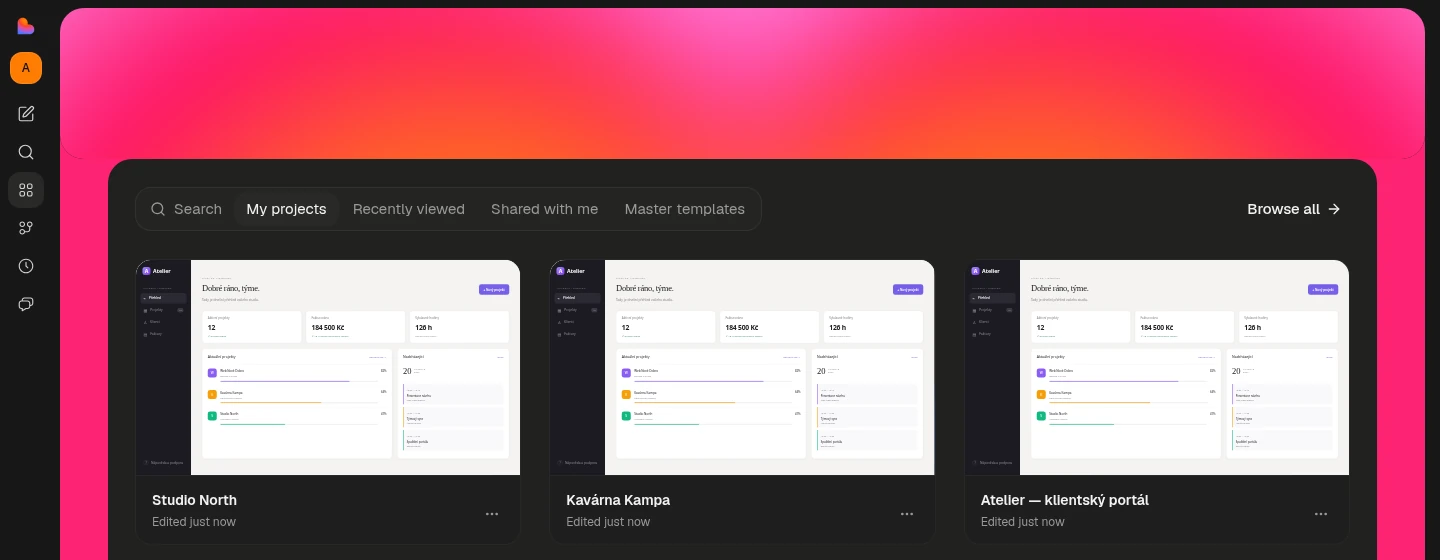
Separate spaces for teams or clients, each with its own projects.
Editors and viewers, invited by email in a few clicks.
See who is online and what they are changing.
Requests wait while a colleague's task is running, so work never collides.
No, viewers can only look at the project and preview.
No, existing projects stay personal until you choose otherwise.
Describe what you need and Master turns it into a working product.